Unlock NotebookLM's True Potential: 9 Advanced Methods to Double Your Productivity
Table of Contents
Turn Reading into Listening: Podcast-Style Learning
Deep Research Assistant: Say Goodbye to Tab Chaos
Personal Knowledge Hub: Cross-File Intelligent Q&A
Mind Map Visualization: Clarify Complex Concepts
One-Click Multi-Format Content Creation
Virtual Expert Panel
Gap Analysis: Discover Blind Spots
Instant Slides & Visual Summaries
Simple Efficient Workflow
Introduction
You're probably only using 20% of NotebookLM's capabilities.
Most people think it's just:
A note summarization tool
A basic Q&A assistant
But that's only scratching the surface.
NotebookLM is quietly becoming one of the most powerful AI tools for thinking, learning, and creating—if you know how to use it properly.
If you're still confused when reading long PDFs, reports, or video transcripts, NotebookLM can help you:
Explain content
Organize information
Connect ideas
Reuse knowledge
And it only uses your own materials, not random internet noise.
That's where the real magic lies.
Let's explore what it can actually do, in plain language.
1. Turn Reading into Listening: Podcast-Style Learning
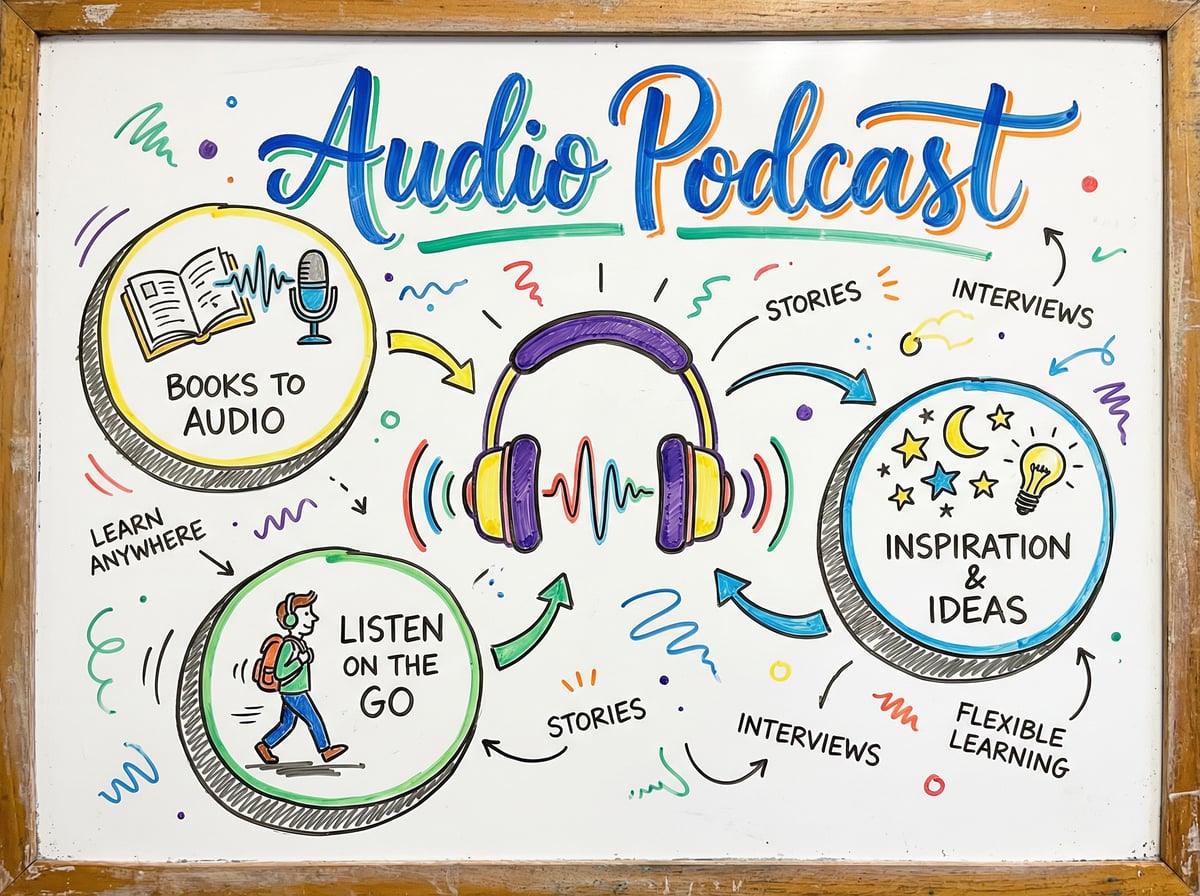
Too tired to read?
NotebookLM can convert your notes into podcast-style audio, with two AI voices discussing your content.
How to use:
Upload your study materials or notes
Click to generate audio
Two AI hosts will discuss the content like a conversation
You can pause, ask questions, and continue listening
Perfect for:
Learning during walks
Absorbing knowledge while doing chores
Reviewing on your commute
Switching input methods when your eyes are tired
This approach makes learning feel natural and effortless, like listening to a podcast created just for you.
2. Deep Research Assistant: Say Goodbye to Tab Chaos
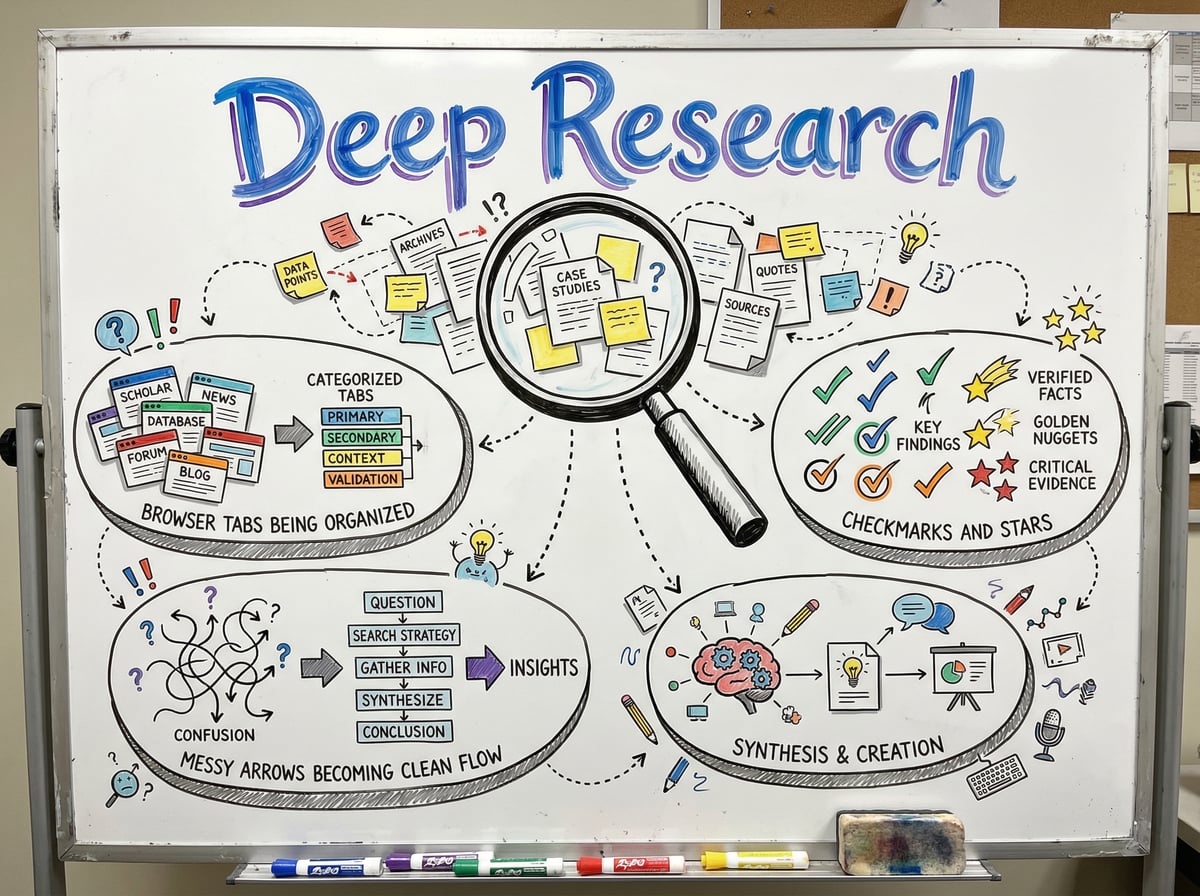
Opened dozens of browser tabs but still can't make sense of it all?
NotebookLM can do deep research for you:
The workflow:
Ask a big question
NotebookLM automatically finds relevant sources
Reads and summarizes the materials
Stores everything neatly in your notebook
Say goodbye to:
Browser tab explosions
Copy-paste chaos
Fragmented information
The result:
All research findings are organized in one place, ready to review, reference, and expand upon.
3. Personal Knowledge Hub: Cross-File Intelligent Q&A
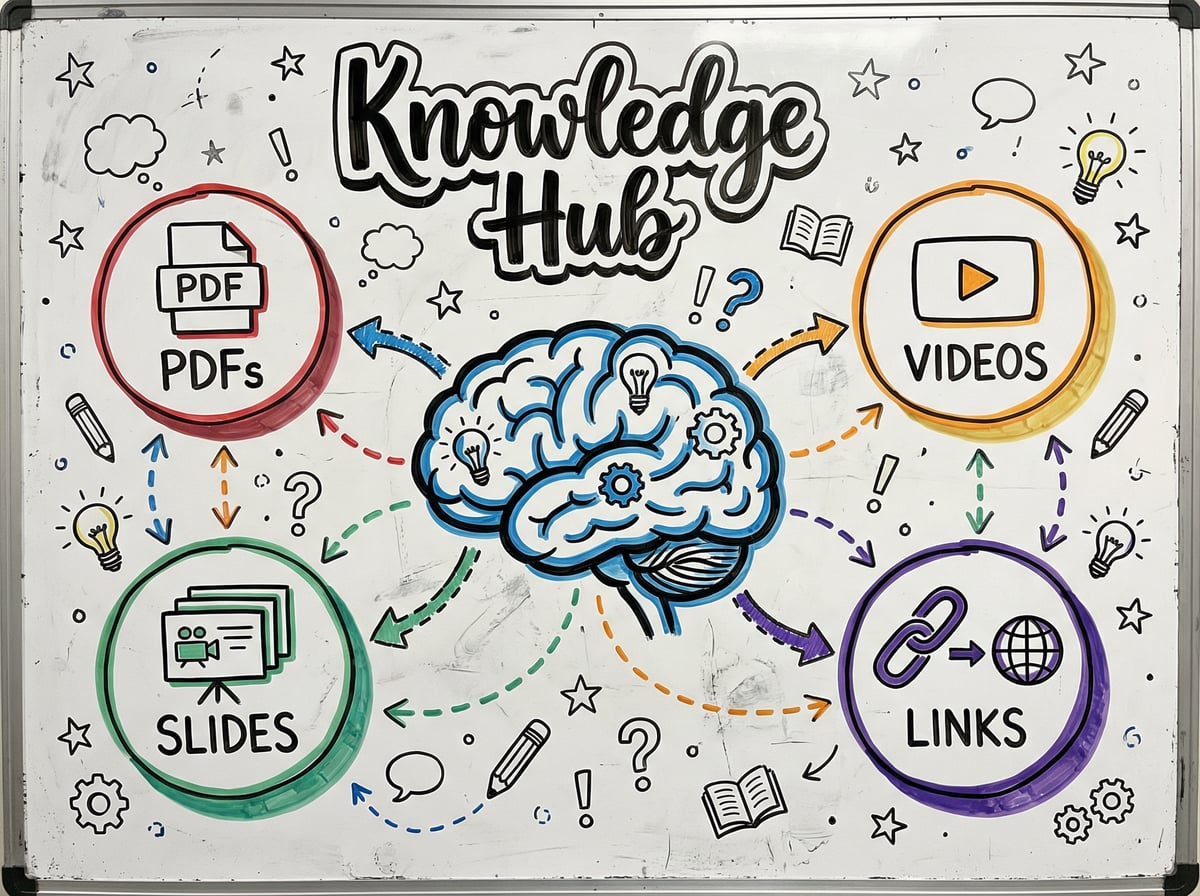
Upload various file types:
PDF documents
Word files
Slides
Web links
Video transcripts
Then ask:
"What do these materials say about X?"
NotebookLM will answer across all files, not just searching a single document.
The power:
Automatically connects different materials
Synthesizes perspectives from multiple sources
Discovers connections you might have missed
Forms holistic understanding
It's like having a personal research assistant focused solely on your knowledge base.
4. Mind Map Visualization: Clarify Complex Concepts
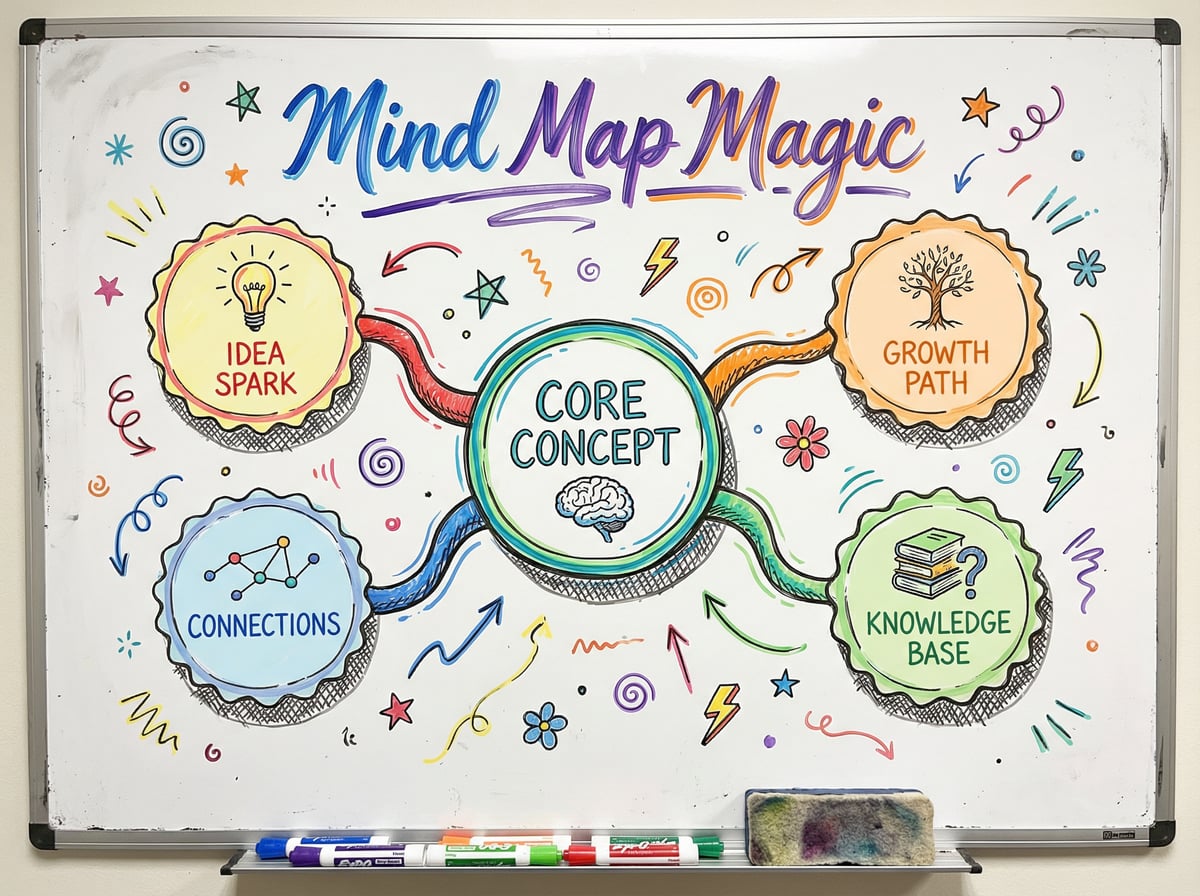
Drowning in long text?
Generate a mind map with one click.
You instantly see:
Main ideas
Sub-topics
Connections between concepts
Use cases:
Understanding complex topics
Planning project structures
Preparing presentation outlines
Learning new domains
Visualization helps your brain grasp key points and quickly build knowledge frameworks.
5. One-Click Multi-Format Content Creation

From one source, you can create:
Blog posts
LinkedIn posts
Newsletters
Summaries & FAQs
Why it matters:
For creators and marketers, this feature alone saves hours every week.
Practical application:
Upload deep research or meeting notes
Request different content formats
Get initial drafts optimized for different platforms
Make minor edits and publish
Extract maximum value from one piece of content—this is the core strategy of content marketing.
6. Virtual Expert Panel
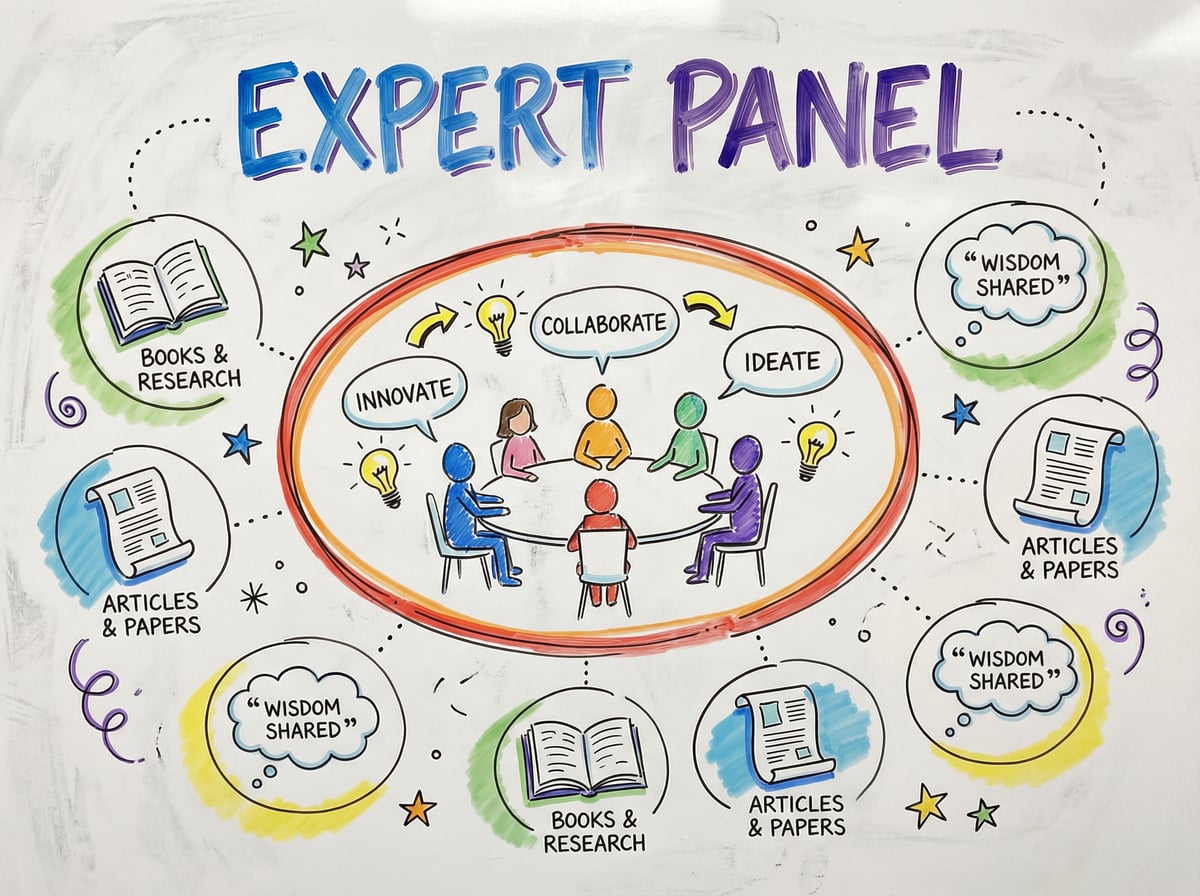
Want expert advice?
Upload content from experts you admire:
Their articles
Speeches
Book chapters
Interview transcripts
Then ask:
"Based on these experts' perspectives, what should I do next?"
NotebookLM will answer based on these experts' actual thinking, not generic advice.
This means:
You can "consult" multiple mentors
Get guidance based on their real ideas
Avoid generic AI suggestions
Form more targeted action plans
7. Gap Analysis: Discover Blind Spots

The smartest question: "What am I missing?"
Before publishing anything, ask NotebookLM:
"What am I missing here?"
It will point out:
Gaps in your arguments
Overlooked perspectives
Supporting evidence needed
Logical weak points
It's like:
An honest reviewer sitting next to you
Final quality control before publishing
A mirror revealing your blind spots
This feature significantly improves content quality and argument rigor.
8. Instant Slides & Visual Summaries
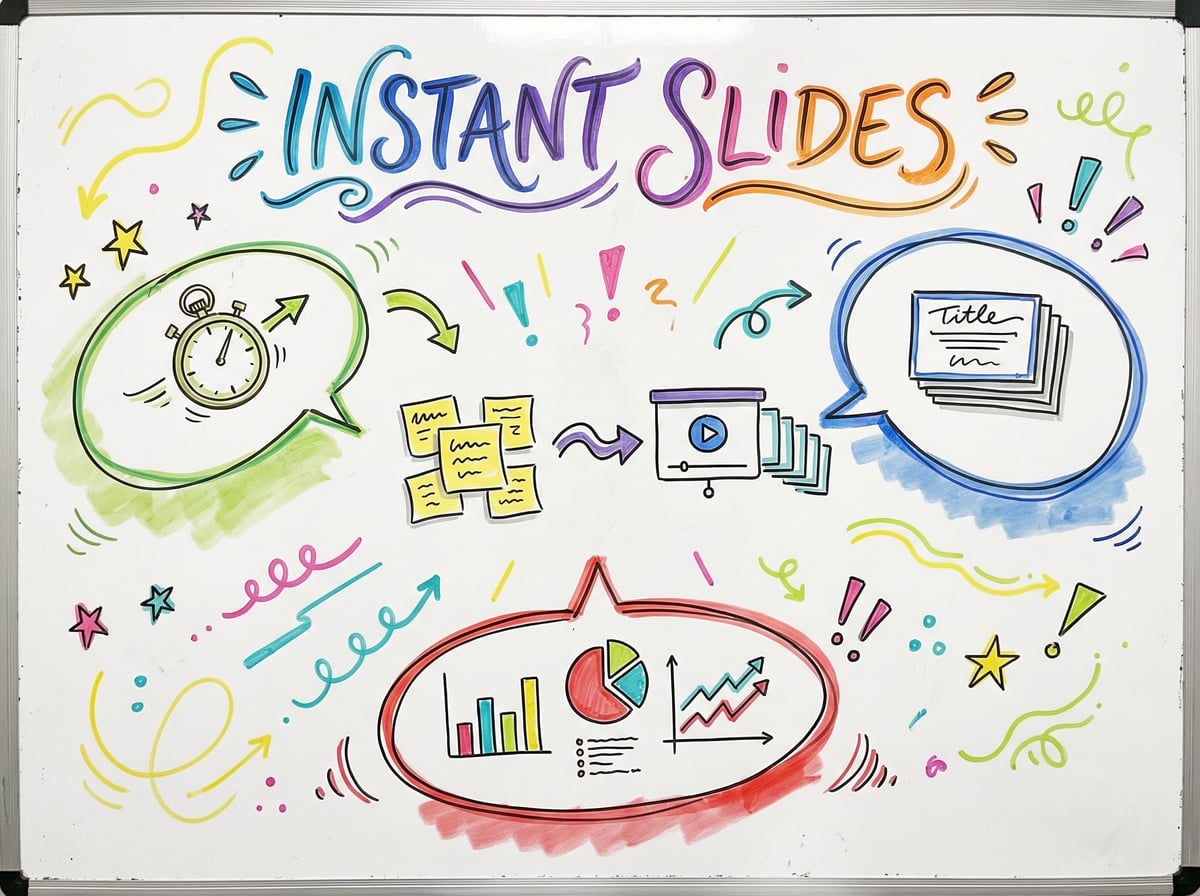
Need to present?
NotebookLM can turn notes into:
Slide decks
Study guides
Visual overviews
Time saved:
Get a solid first draft in minutes.
Use cases:
Preparing meeting presentations
Creating teaching materials
Building project reports
Organizing study notes
No more starting PowerPoint from scratch—let AI handle structure and content.
9. Simple Efficient Workflow
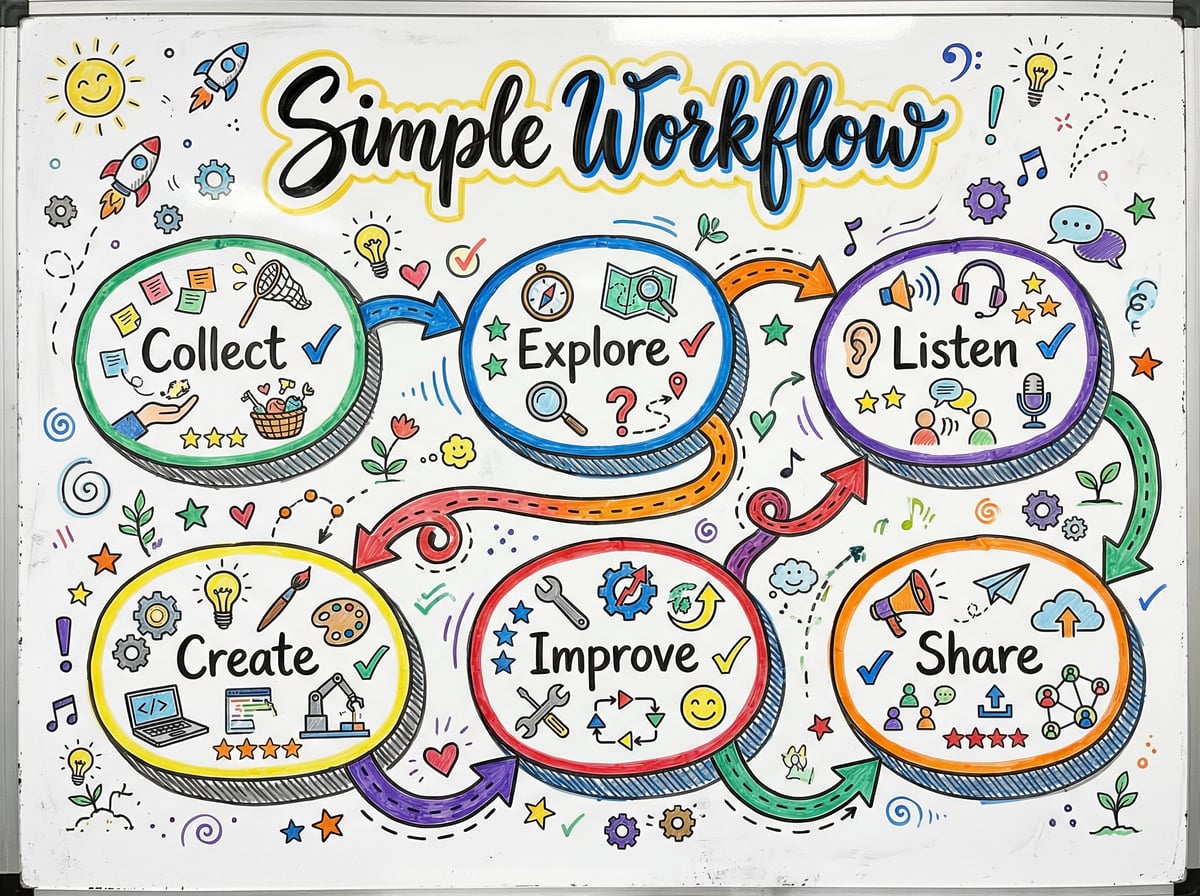
Don't get overwhelmed by complex features.
Just follow this simple flow:
Collect → Explore → Listen → Create → Improve → Share
Collect: Upload various materials
Explore: Ask questions, query, research
Listen: Generate audio, learn while multitasking
Create: Generate various content formats
Improve: Ask what's missing, fill gaps
Share: Export results, apply to real work
That's it. Simple, efficient, repeatable.
Core Takeaways
NotebookLM isn't just a note-taking tool.
It's an AI assistant that:
Thinks alongside you
Learns from your materials
Helps transform knowledge into output
If you're still only using it for summaries...
You're leaving massive value on the table.
Start Now
Open NotebookLM right now and try any of these:
Turn a long article into a podcast
Upload multiple documents and ask a cross-cutting question
Generate a mind map for your next content piece
Use "What am I missing?" to check your work
Each feature can double your productivity.
NotebookLM is quietly transforming how we learn, think, and create.
Now it's your turn to unlock its full potential.