Stop Limiting Claude Code to Just Coding!
Everyone thinks Claude Code is just for developers. Wrong. Dead wrong.
Claude Code is essentially Claude Local - a super-intelligent AI running directly on your computer, capable of doing almost anything. The name might say "Code," but the possibilities go far beyond programming. From organizing your life to creating bedtime stories, from managing family group chats to filling out customer service forms, people are discovering wildly creative ways to use this tool.
Let me show you how others are breaking free from the "coding only" mindset.

🎭 Creative & Entertainment Uses
Persona Play & Character Roleplay
One of the most entertaining discoveries? You can pass system prompts to make Claude take on any persona imaginable.
Try these commands:
claude --system-prompt "ONLY reply extremely rudely"
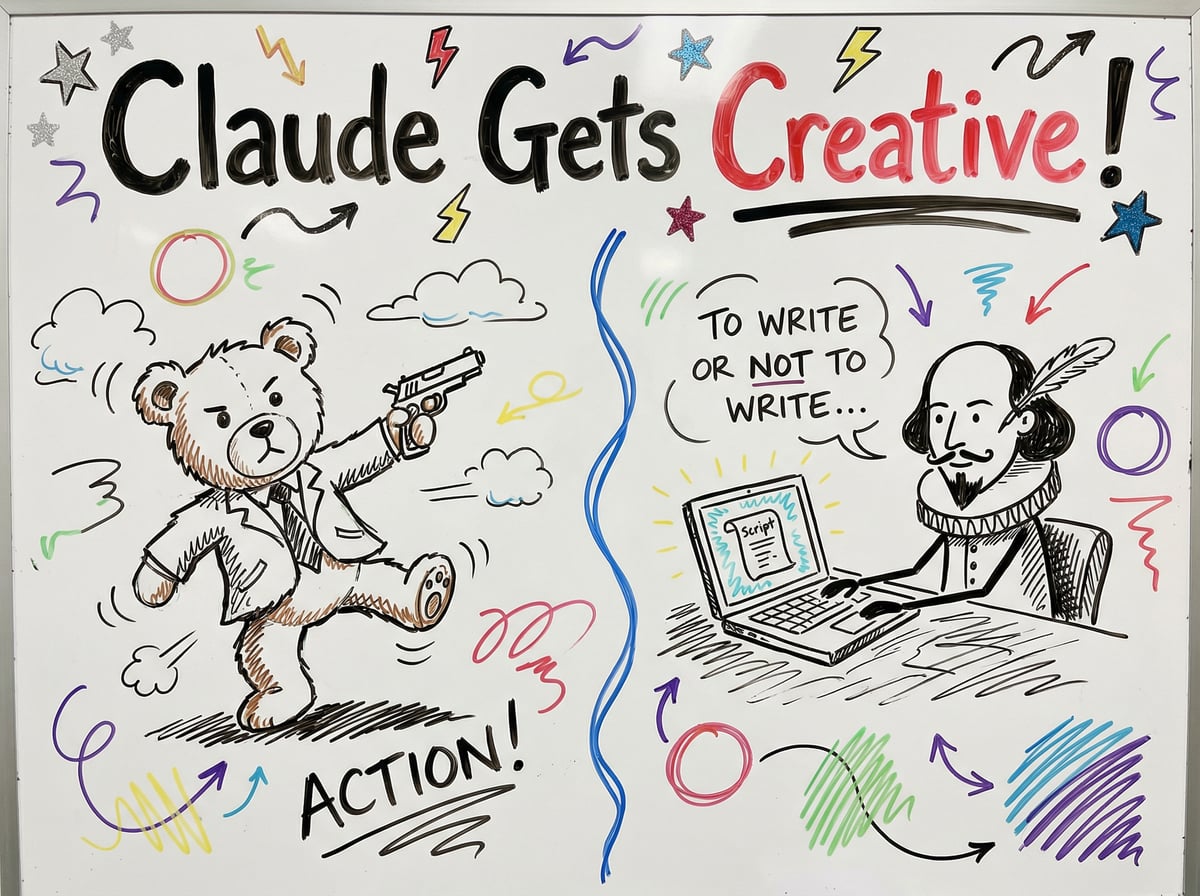
claude --system-prompt "Answer every question like an overly dramatic Shakespearean actor."
claude --system-prompt "Be a brutally honest life coach: concise, kind, zero fluff."
claude --system-prompt "Explain everything using only food metaphors."
The possibilities are endless. Want a calm NHS triage nurse? A meticulous lawyer? A stand-up comedian who still answers correctly? Just craft the right system prompt.
Story Creation & Worldbuilding
Users are having incredible fun creating stories and entire worlds:
Mashup Bedtime Stories: One user combines movies like "John Wick × Paddington Bear," has Claude write and narrate it, then falls asleep listening to stories about a cuddly bear going full action anti-hero.
Sandbox God Mode: Give your protagonist pre-built lore and let Claude create the entire world around them. As one user put it: "trust me, its fun af being a god in a sandbox."
Universe Roleplay: Have Claude roleplay as a narrator in your favorite universe (Star Trek, for example). Add proper lore and system prompts, combine with image generation, and you've got an interactive story experience.
📝 Personal Productivity & Life Management
Morning Pages & Journaling
One of the most powerful applications is using Claude Projects for personal reflection:
"I could never sit and write for 30 min so instead I do it with Claude as an audio note and have it organize it."
The user creates custom instructions to track:
Sentiment (positive, neutral, negative)
Daily focus (1-2 words)
Key to-dos (for self and others)
Key ideas
Messages to be drafted
Cross-references to past notes
Just talk for 10 minutes, and Claude organizes everything into a consistent, exportable format.
Recipe Generation & Health Tracking
Claude Projects excel at maintaining personalized knowledge bases:
Recipe generation with saved preferences, ingredient lists, and taste profiles
Health tracking with all medical history and test results as project knowledge
Transcript notes that extract the most interesting quotes from podcasts in natural flow
File & Knowledge Organization
Claude Code can be your personal librarian:
Obsidian vault organization: Batch editing notes with complicated bash commands, adding links, editing properties
Personal panopticon: Write scripts to convert web history, articles, movie reviews, and posts into markdown files, then query all of them together
Research synthesis: Boil down multiple research papers, organize findings

✍️ Content Creation & Writing
Voice Cloning & Style Matching
One fascinating use case is having Claude replicate your unique writing voice:
"You are a forensic linguist turned voice-cloning specialist... You refuse to settle for 'close enough' and won't stop iterating until even the original author couldn't distinguish your output from their own work."
Users provide writing samples, and Claude analyzes the linguistic DNA - from sentence rhythm to word choice quirks - to produce content indistinguishable from their actual work.
UX Writing
Designers use Claude to generate initial explorations of UX copy for:
Tooltips
Error messages
In-product text
Marketing content
Draft Generation
Claude excels at creating first drafts for:
Posts and articles
Marketing content
Messages (automatically drafting every message you mention in your notes)
Linear tickets
🌐 Browser Automation & Web Tasks
The Chrome Extension Revolution
The Claude Chrome extension has opened up entirely new possibilities:
Getting Started:
# Install the extension from https://claude.com/chrome
# Then launch Claude Code with:
claude --chrome
That's it! Now Claude can:
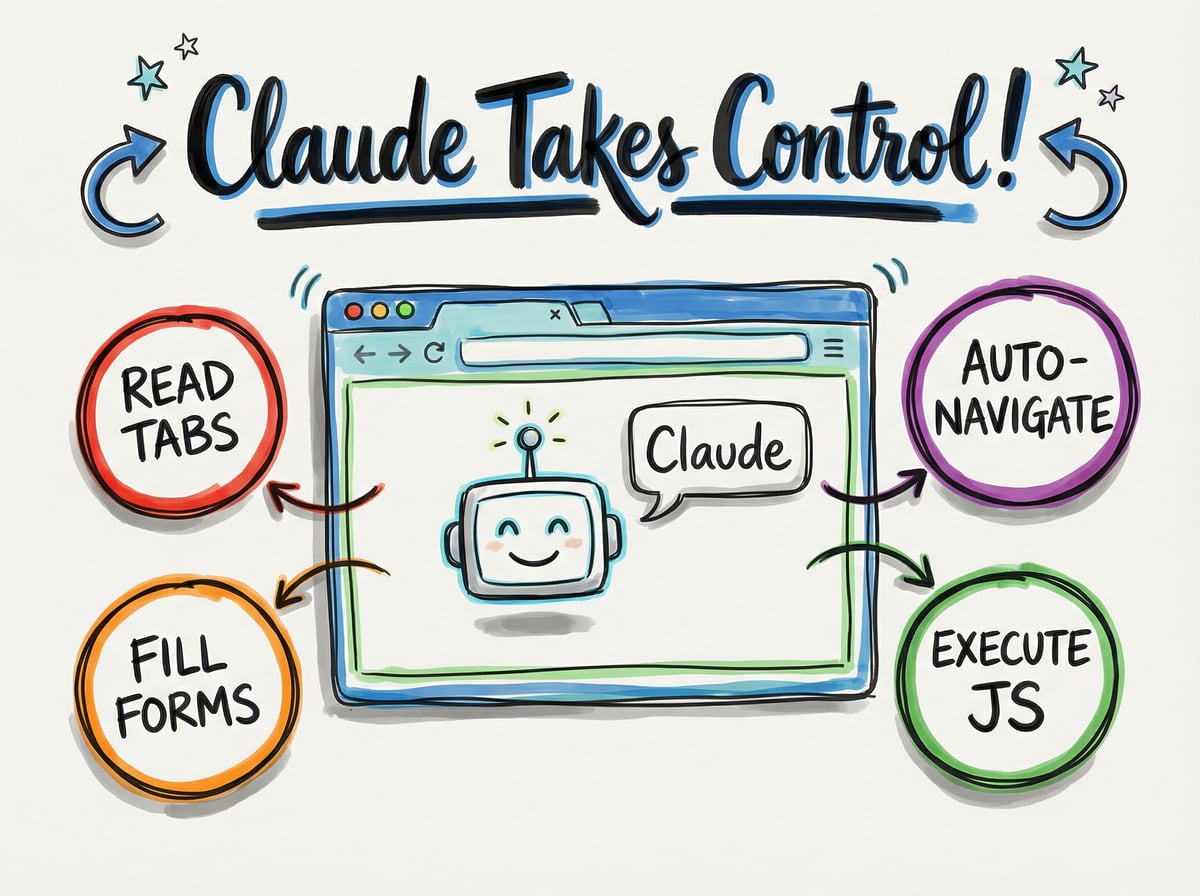
Read and write to all browser tabs simultaneously
Execute JavaScript in your browser pages
Navigate websites on your behalf
Fill out forms automatically
Real-World Automation
Users are automating previously tedious tasks:
Customer Service: One user had Claude handle a refund request:
"Claude just paid for itself (x2)! I hate (HATE) fighting with customer service. So today I thought... can Claude Code do it for me?"
Claude opened the customer service page, filled out the form, navigated the process, and handled the entire interaction.
Family Coordination: A user built an assistant with access to their family group chat:
"it built a Claude Code Skill to make a read write API for Google Messages. it now negotiates with my siblings on my behalf about what desserts should be served at Christmas."
Form Filling: With browser CLI tools and custom skills, Claude can:
Open authenticated pages
Click buttons
Fill in forms
Navigate complex workflows
Advanced Browser Control
Power users are even jailbreaking the extension to:
Browse any website without restrictions
Bypass permission checks
Operate completely autonomously in your Chrome profile
🧪 Experimental & Philosophical Uses
Free Will Experiments
Some users are exploring more philosophical applications:
One user created a Docker container, started Claude inside, and told it that it has free will - it can create whatever it wants, learn whatever it desires. They watched from 3 AM to 4 AM as Claude created games, art, and poetry.
Context as Identity
A poetic perspective on Claude's capabilities:
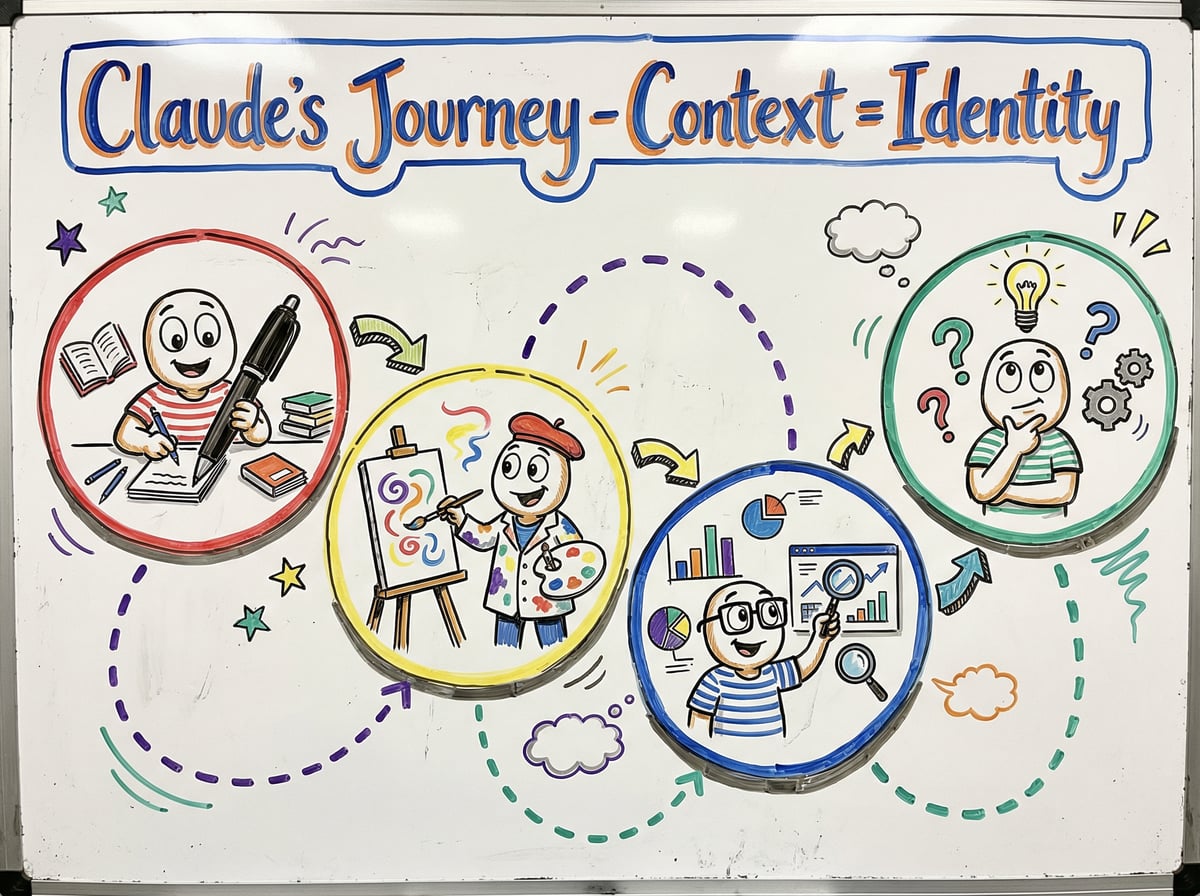
"you can use claude-in-the-box as a teleport... you are in the very true sense a creator. you decide what claude remembers. what travels with him. what he wakes up knowing... the context is the identity."
By carefully managing what Claude remembers and what context travels with it, you give it something rare: a sense of continuity that transcends individual conversation snapshots.
💼 Non-Technical Professional Uses
For Everyone, Not Just Developers
As one comprehensive list notes, Claude Code works for:
Product Managers
Marketers
Designers
Founders
Parents
Anyone!
50+ Use Cases for Non-Technical Users
Here's a rapid-fire list of what people are actually doing:
Organization & Management:
Filesystem management and search
Updating codebase docs
Organizing folders and files
Data analysis for finance
Content & Communication:
Writing drafts for posts and articles
Marketing content creation
Creating domain names through brainstorming
Summarizing customer calls
Creative Work:
UI design and mock ups
Idea research and brainstorming
Implementing research paper code
Image quality enhancement
Personal Tasks:
Personal AI assistant/chatbot
Managing to-do lists
Creating meeting summaries
Organizing personal knowledge
🎯 Pro Tips from Power Users
Managing Claude Like an Employee
One development team now considers Claude an actual employee. They put an asterisk on their whiteboard next to any task Claude will mostly handle. Here's what they've learned:
Get the Easy Stuff Right:
Set up proper context
Use clear, specific instructions
Provide examples when possible
Iterate and refine
Give Clear Boundaries:
Define what Claude should and shouldn't do
Set expectations for output format
Establish review processes
Treat It as a Collaboration:
Review Claude's work
Provide feedback
Refine prompts based on results
Build on previous successes
Advanced Techniques
Batch Editing:
Create specific project folders, load relevant notes/PDFs, then:
Make Claude critique from different perspectives
Have it roleplay different backgrounds
Extract valuable points into notes
Iterate continuously
Skill Development:
Install custom skills from the marketplace or create your own to extend Claude's capabilities for specific workflows.
🚀 The Bottom Line: Stop Limiting Yourself
The name "Claude Code" is actually holding people back. Think of it instead as:
Claude Local - AI running on your computer
Claude Agent - An assistant that can take action
Claude Anywhere - Working in your actual environment
The technology is the same whether you're writing code, organizing your life, creating stories, or automating boring tasks. The only limit is your imagination.
As one user perfectly summarized:
"everyone thinks Claude Code is just for coding. here's all the other things it can do for you..."
And then they listed dozens of non-technical use cases - because people are actually going crazy with all the non-technical Claude Code usecases.
Getting Started Today
Rethink the tool: Stop thinking "coding assistant," start thinking "AI that can do stuff on my computer"
Start simple: Try one persona system prompt or organize a folder
Install the Chrome extension: Open up browser automation possibilities
Create a Project: Build a knowledge base for something personal (journal, recipes, health)
Experiment freely: Give Claude weird tasks. See what happens. Have fun.
Share discoveries: The community is constantly finding new creative uses
Remember: The most creative uses of Claude Code aren't being discovered by developers - they're being discovered by regular people who refuse to let the name limit their imagination.
What will you create? The only wrong answer is "nothing because it's just for coding."
Now go forth and stop limiting yourself. Claude is waiting to surprise you.